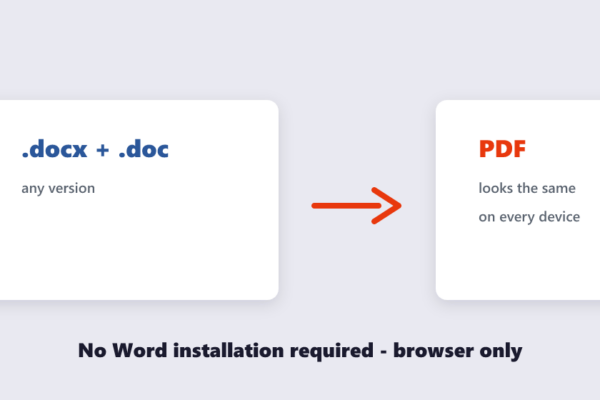
Quick answer No Microsoft Word needed: open the free Word to PDF tool, drop your .doc or .docx in, and download the…
PDF Tips How to Convert Word to PDF Without Microsoft Word
Practical guides and tips for working with PDFs, images, and files.
Quick answer No Microsoft Word needed: open the free Word to PDF tool, drop your .doc or .docx in, and download the…
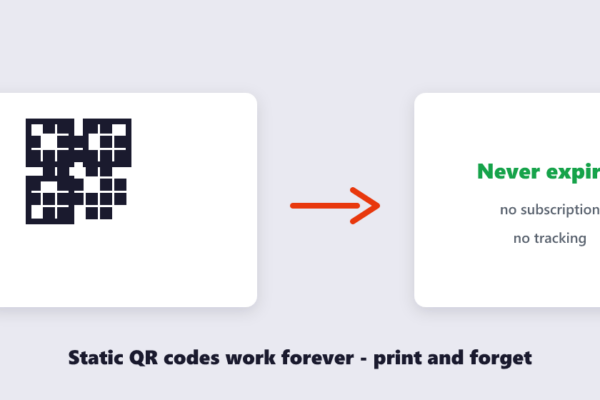
Quick answer Free, permanent, no middleman: open the free QR Code Generator, type your link or text, and download the code as…
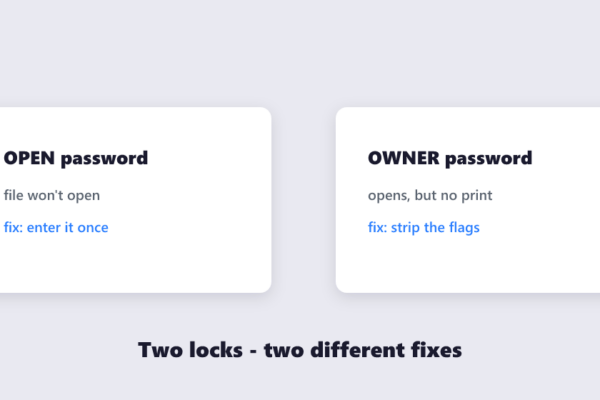
Quick answer If you know the password, removing it is legitimate and takes a minute: open the free Unlock PDF tool, enter…
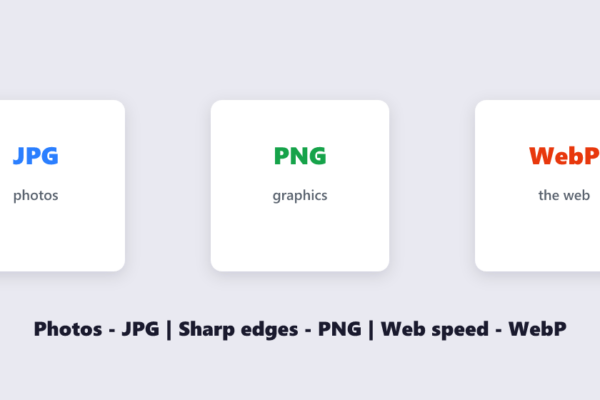
Quick answer Photos → JPG. Graphics, screenshots and transparency → PNG. Web images where size matters → WebP. Wrong format costs you…
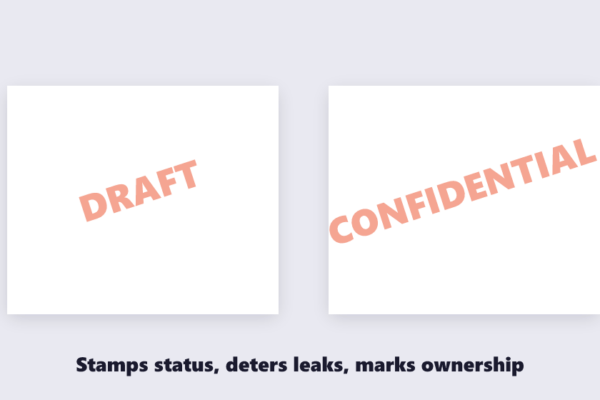
Quick answer Text or logo, your choice: open the free Watermark PDF tool, type your stamp (DRAFT, CONFIDENTIAL, your company name) or…
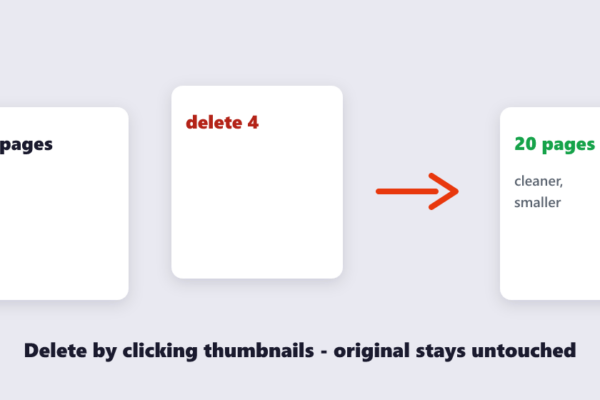
Quick answer Click-and-delete: open the free Delete PDF Pages tool, drop the file in, click the thumbnails of the pages you don’t…
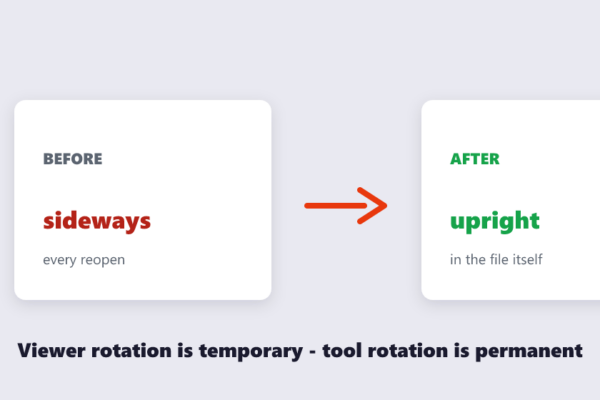
Quick answer The viewer’s rotate button is temporary — it resets every time the file is reopened. To rotate permanently, use the…
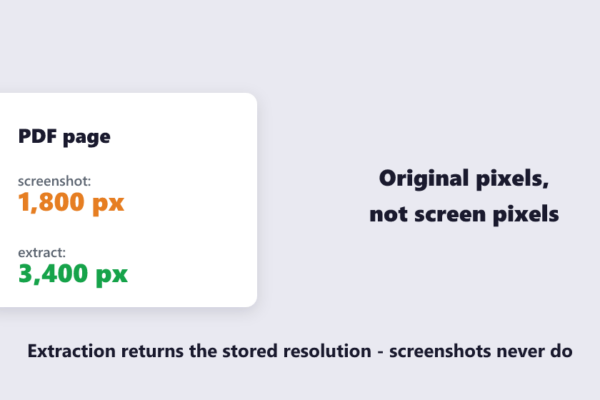
Quick answer Screenshot-free method: open the free Extract Images tool, drop the PDF in, and every embedded photo, logo and chart is…
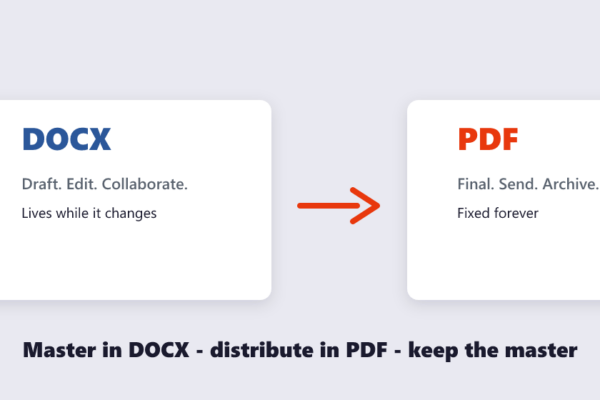
Quick answer Write and edit in DOCX; share and finalize as PDF. DOCX is for documents that will still change — drafting,…
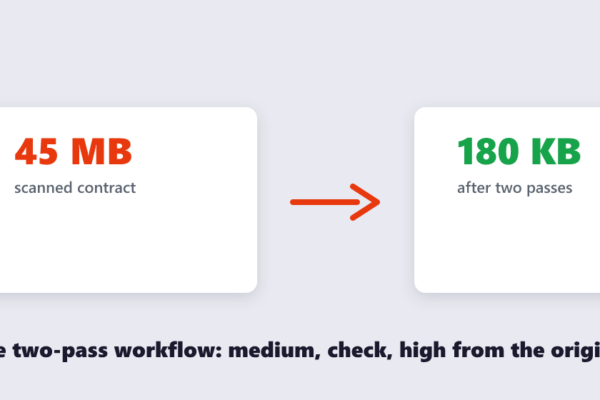
Quick answer No tool can hit an exact size in one click — anyone promising that is guessing. The reliable way: compress…