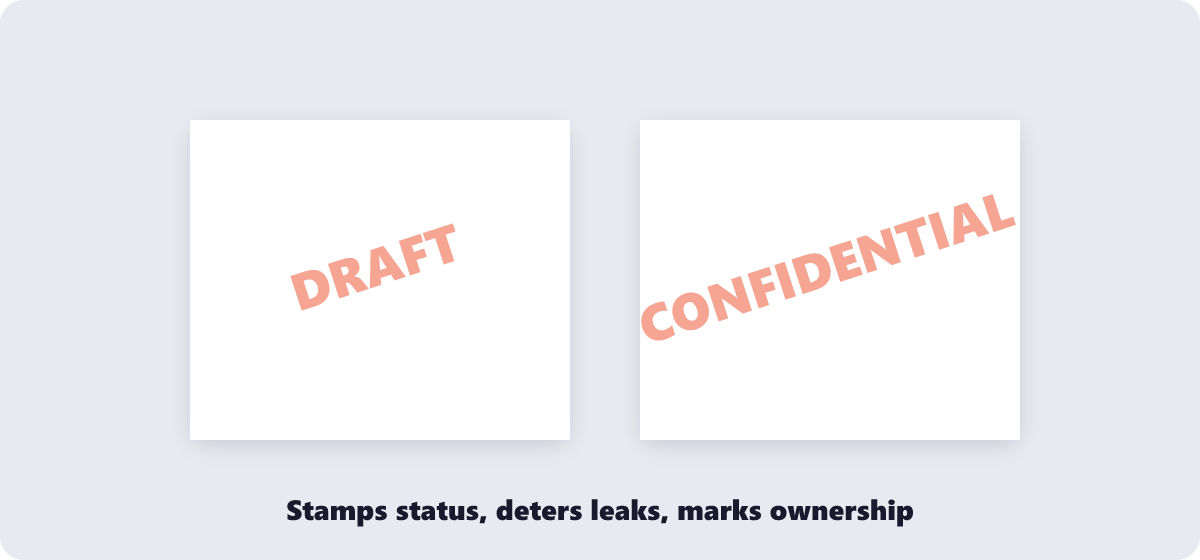
Pick the text, position and transparency, then apply it across every page at once.
or drop files here
Type your stamp or bring in a logo, set how bold it looks and where it lands, then mark every page of your document in one pass — handy for drafts, invoices and confidential papers.
Drop your PDF into the tool, or click Choose Files to pick it manually.
Type the watermark text, or upload a logo image to use instead.
Adjust the placement and dial the opacity until the stamp reads clearly without burying your content.
Apply it to all pages or just the ones you pick, then download the stamped file.
Text or logo, any position, adjustable transparency — applied locally so confidential files stay put.
Stamp your PDF with custom text like 'Confidential' or upload a logo image.
Watermarking runs entirely in your browser, so your document stays private.
Place the watermark exactly where you want it and adjust transparency to fit your design.
Watermark the whole document or only the pages that need it.
No account, subscription, or limit on use.
Upload your PDF, enter your text or upload a logo image, adjust position and opacity, then download the watermarked file.
Yes. Upload an image file and it will be applied as the watermark instead of text.
Yes. Adjust the opacity so the watermark is visible without obscuring the underlying content.
Yes. The PDF never leaves your browser during processing.
Not with this tool once it's saved into the file — keep an unwatermarked copy of the original in case you need it later.
Watermark PDF complete