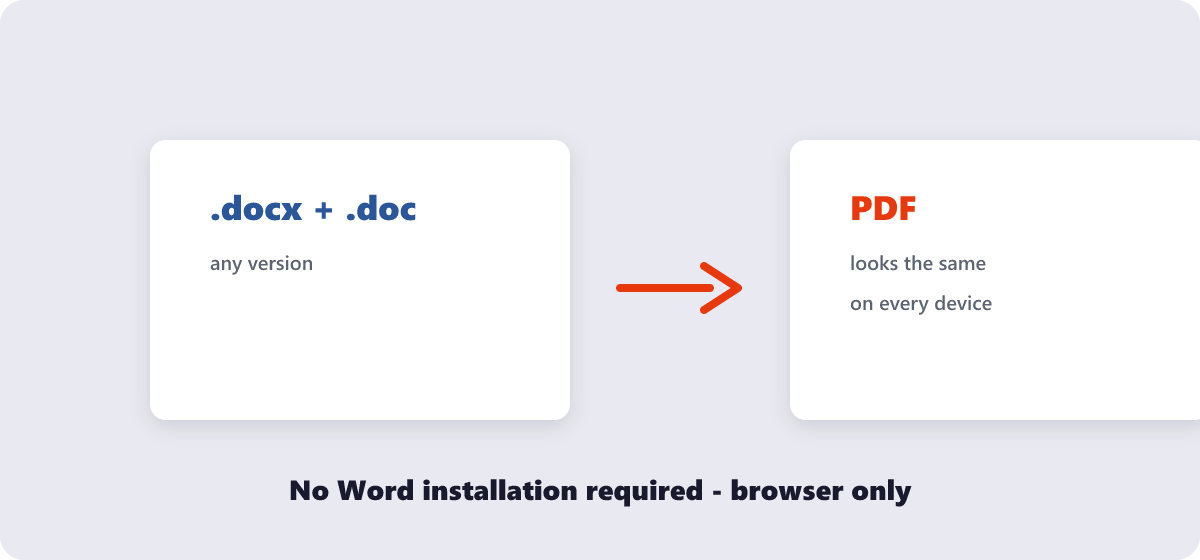
Quick answer No Microsoft Word needed: open the free Word to PDF tool, drop your .doc or .docx in, and download the…
PDF Tips
How to Convert Word to PDF Without Microsoft Word
Practical, step-by-step guides for working with PDFs and images — written by the team that builds the 282 tools, updated as the tools improve.
Quick answer No Microsoft Word needed: open the free Word to PDF tool, drop your .doc or .docx in, and download the…
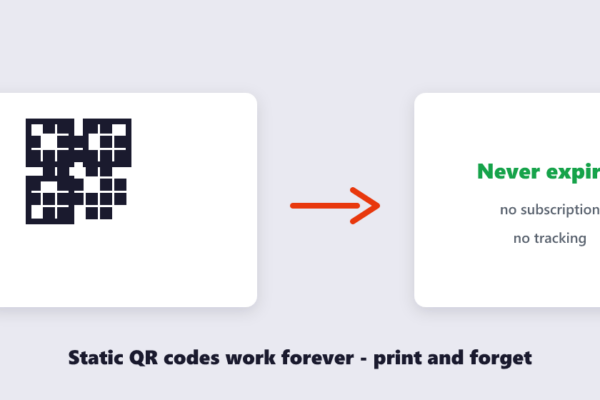
Quick answer Free, permanent, no middleman: open the free QR Code Generator, type your link or text, and download the code as…
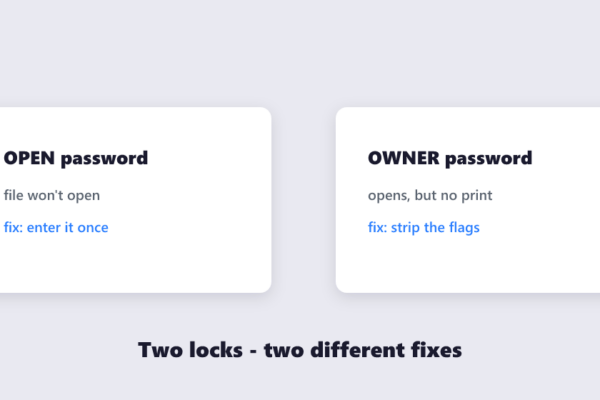
Quick answer If you know the password, removing it is legitimate and takes a minute: open the free Unlock PDF tool, enter…
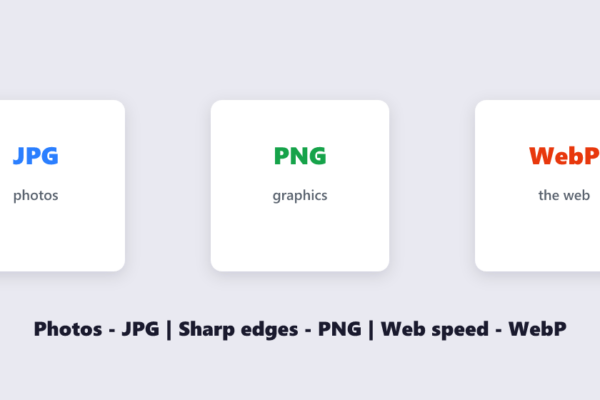
Quick answer Photos → JPG. Graphics, screenshots and transparency → PNG. Web images where size matters → WebP. Wrong format costs you…
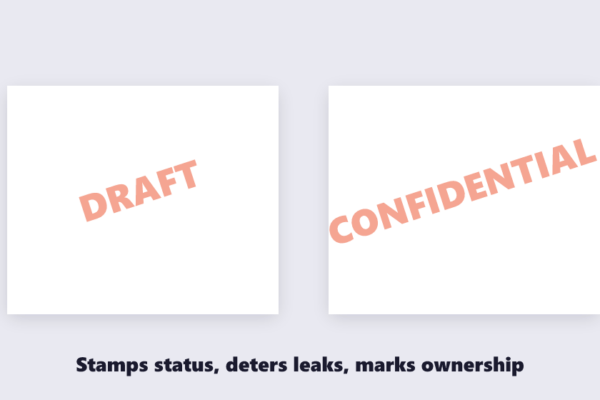
Quick answer Text or logo, your choice: open the free Watermark PDF tool, type your stamp (DRAFT, CONFIDENTIAL, your company name) or…
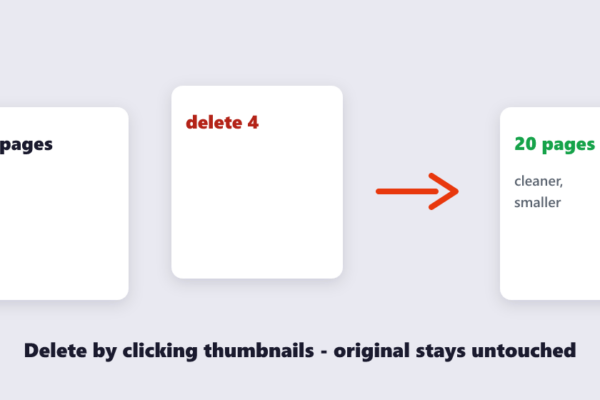
Quick answer Click-and-delete: open the free Delete PDF Pages tool, drop the file in, click the thumbnails of the pages you don’t…
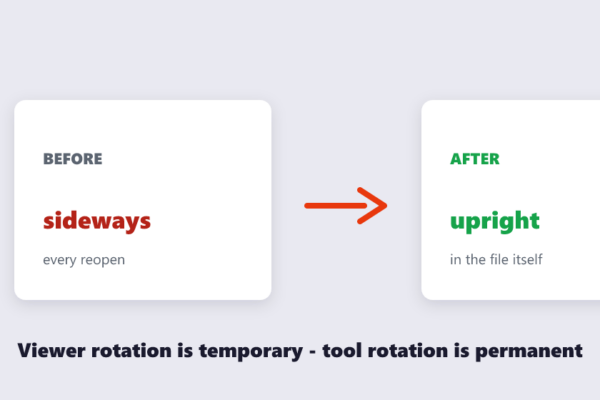
Quick answer The viewer’s rotate button is temporary — it resets every time the file is reopened. To rotate permanently, use the…
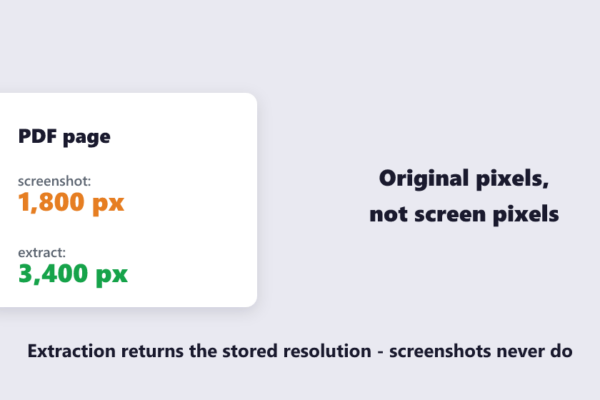
Quick answer Screenshot-free method: open the free Extract Images tool, drop the PDF in, and every embedded photo, logo and chart is…
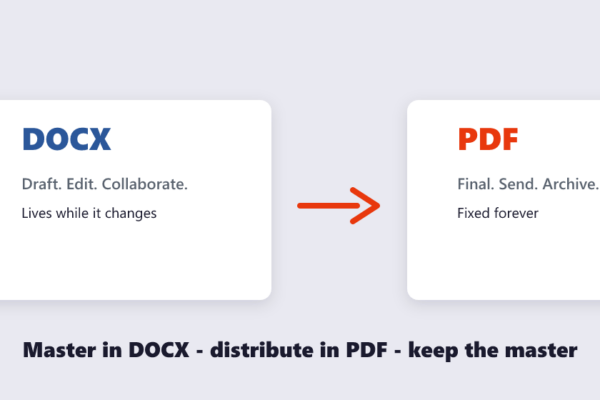
Quick answer Write and edit in DOCX; share and finalize as PDF. DOCX is for documents that will still change — drafting,…
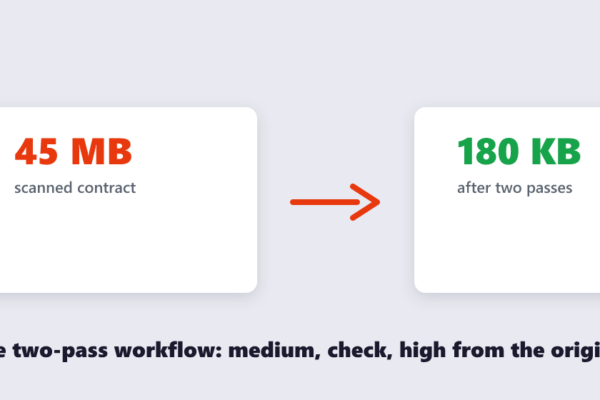
Quick answer No tool can hit an exact size in one click — anyone promising that is guessing. The reliable way: compress…