Rotate all or just the pages that need it — 90°, 180° or 270° — and download the corrected file.
or drop files here
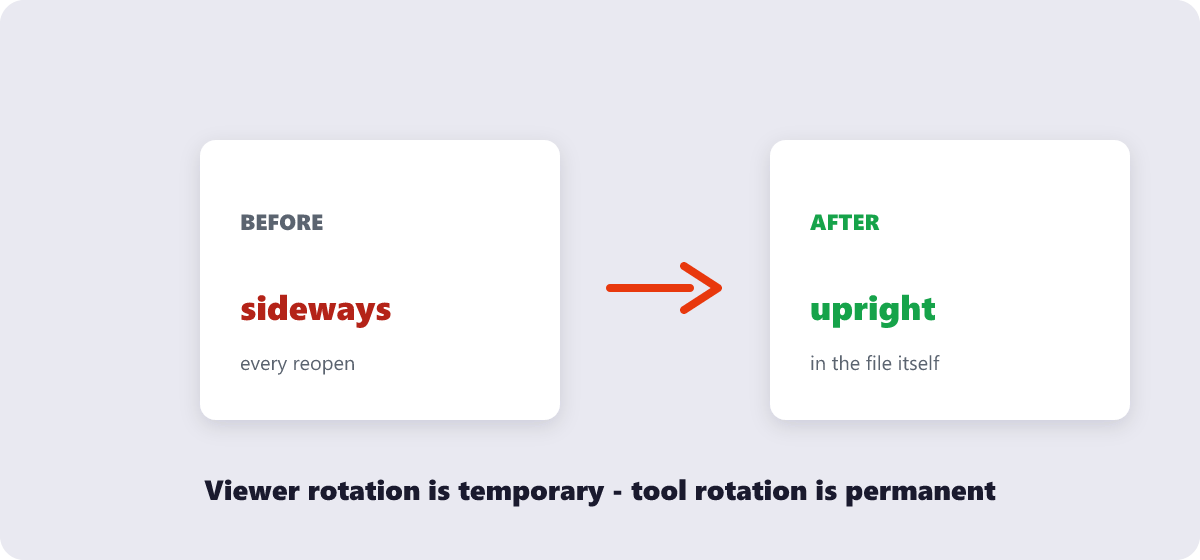
Turn pages around 90°, 180° or 270° and download a file where the correction is baked in for good — not a viewer-only flip that resets the next time someone opens it.
Open your file in the tool by dragging it in or tapping Choose Files.
Select the pages that need straightening — one, a few, or the whole document.
Apply the turn in 90° steps until every page sits upright in the preview.
Save the corrected PDF. The orientation change is written into the file itself, so it stays fixed everywhere.
Per-page control, live previews, and rotation saved permanently into the file.
Fix just the pages that need it instead of rotating the entire document.
Rotation happens locally in your browser, keeping your file completely private.
Rotate in any direction needed to correct scanning or orientation mistakes.
See exactly how each page will look before you download the corrected file.
No account or limit on how many PDFs you rotate.
Upload the file, select the page(s), choose a rotation direction, and download the corrected PDF.
Yes. You can select individual pages and rotate them independently of the rest of the file.
This usually happens when a page was fed into the scanner in the wrong orientation. Rotating the page fixes the display without needing to rescan.
Yes. The file is rotated locally in your browser and never processed in your browser.
No. Rotation only changes page orientation — the underlying content stays untouched.
Rotate PDF complete