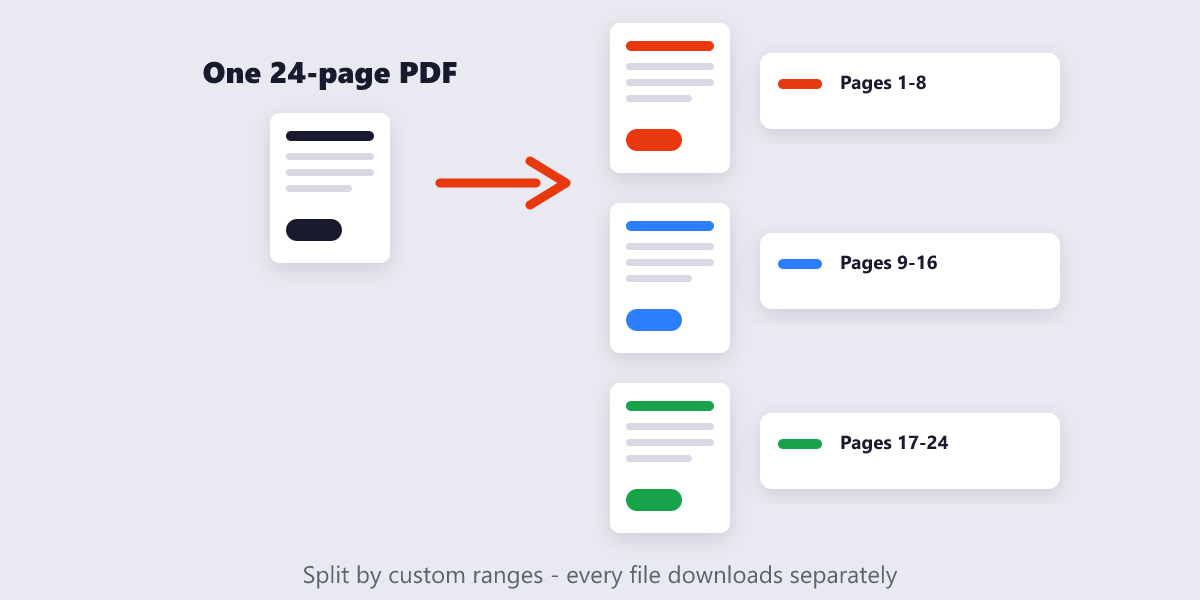
Split a PDF into separate files by custom page ranges, or extract every page individually — whichever you need.
or drop files here
Choose the pages you want, decide whether to pull each one out on its own or bundle ranges together, and the tool does the cutting for you — right inside your browser.
Load your PDF into the tool using drag and drop or the Choose Files button.
Pick your split mode — enter custom ranges like 1-3, 5, or extract every page as its own file.
Run the split. Selected pages are cut into new PDFs with nothing recompressed.
Download each file on its own, or grab everything at once in a ZIP.
Custom ranges, one-page extraction, and a local process that never uploads your document.
Choose exact pages or ranges to extract, so you get precisely the sections you need.
Splitting happens locally in your browser — your PDF never touches a server.
Break one PDF into several separate documents in a single pass.
Pages are separated as-is, with no recompression or loss of formatting.
No account or limit on how many times you split a file.
Upload your PDF, choose the pages or ranges you want, and the tool creates separate files you can download individually or as a ZIP.
Yes. Select a single page number and the tool will pull it out as its own PDF file.
Yes. The PDF is processed entirely in your browser, so it's never uploaded anywhere.
No. Pages are separated exactly as they appear in the original — no recompression.
Yes, though very large files may take a little longer depending on your device's memory and browser.
Split PDF complete