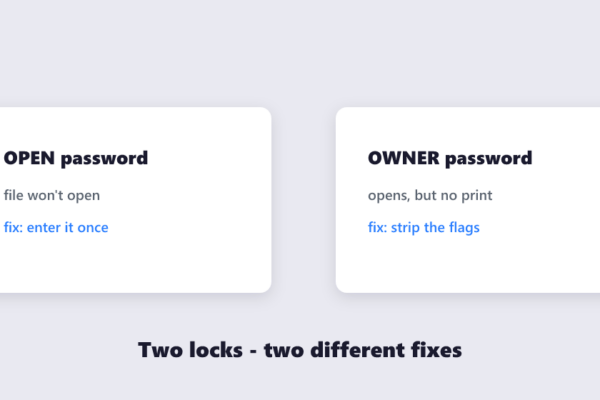
Quick answer If you know the password, removing it is legitimate and takes a minute: open the free Unlock PDF tool, enter…
PDF Tips How to Remove a Password from a PDF (You Own)
Quick answer If you know the password, removing it is legitimate and takes a minute: open the free Unlock PDF tool, enter…
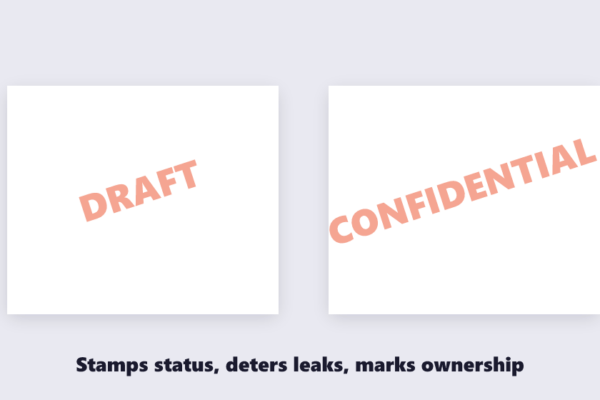
Quick answer Text or logo, your choice: open the free Watermark PDF tool, type your stamp (DRAFT, CONFIDENTIAL, your company name) or…
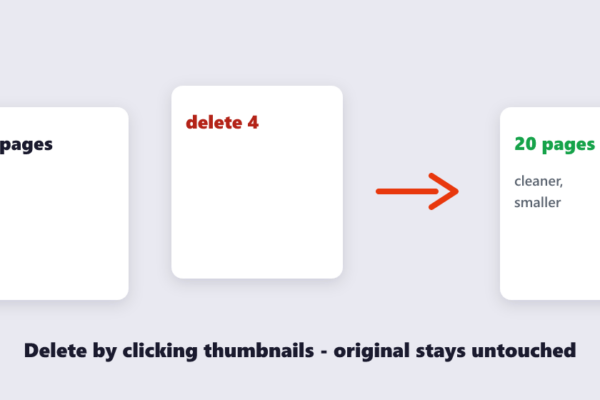
Quick answer Click-and-delete: open the free Delete PDF Pages tool, drop the file in, click the thumbnails of the pages you don’t…
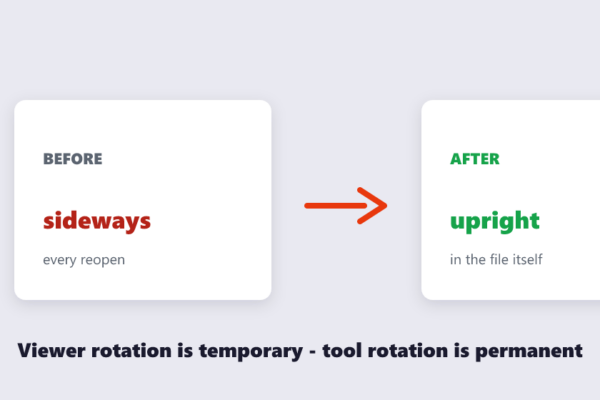
Quick answer The viewer’s rotate button is temporary — it resets every time the file is reopened. To rotate permanently, use the…
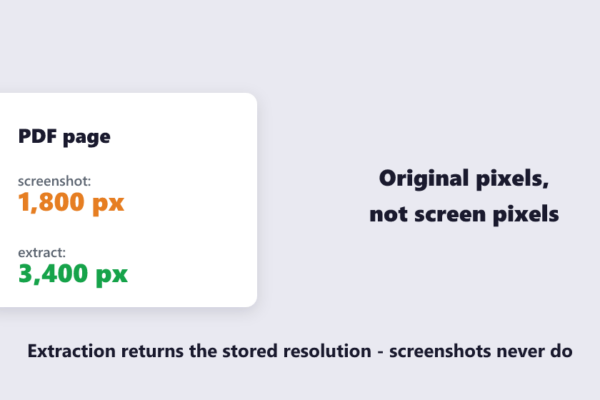
Quick answer Screenshot-free method: open the free Extract Images tool, drop the PDF in, and every embedded photo, logo and chart is…
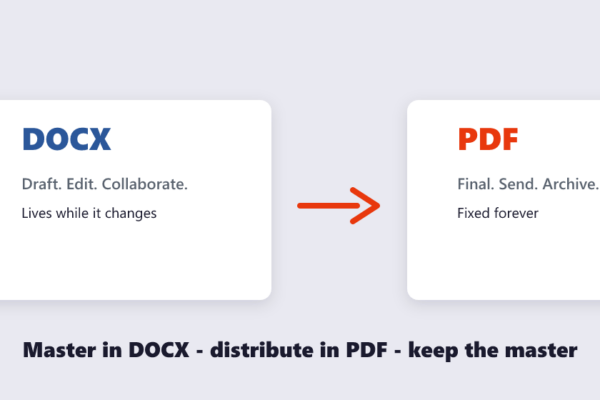
Quick answer Write and edit in DOCX; share and finalize as PDF. DOCX is for documents that will still change — drafting,…
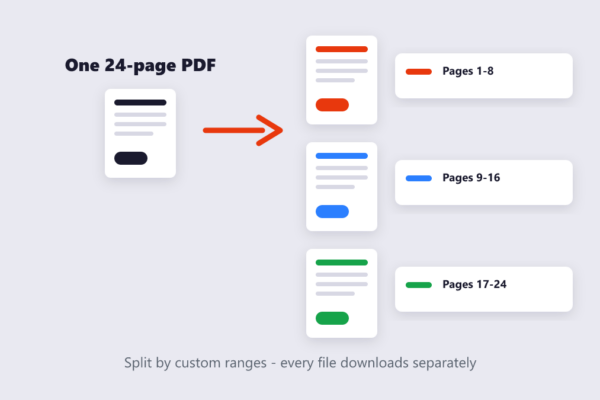
Quick answer Fastest way: open the free Split PDF tool, drop your file in, and either type custom ranges (like 1-8, 9-16,…
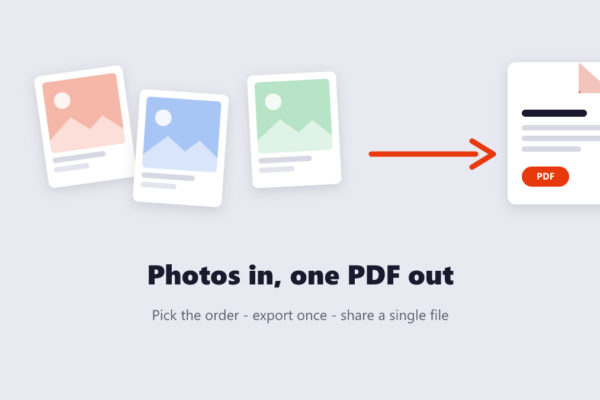
Quick answer Fastest way: on iPhone, open Photos, select your shots, tap Share, choose Print, then pinch out on the print preview…
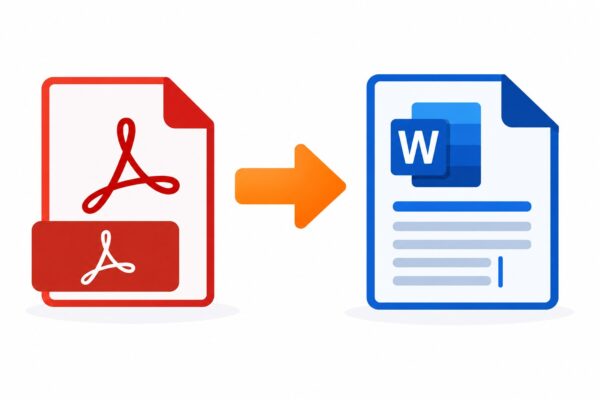
Someone sends you a PDF and asks you to “just fix a couple of things” in it. Except PDFs aren’t built for…
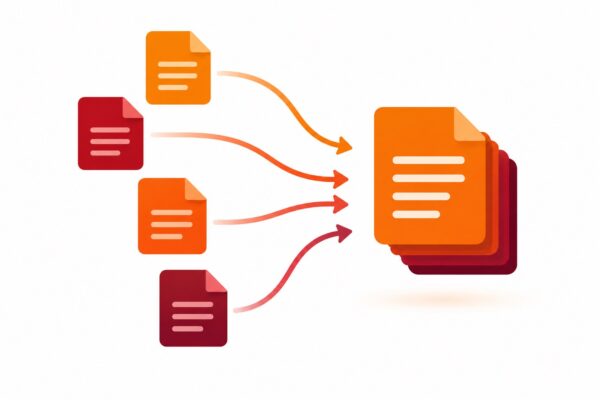
You’ve got three signed forms, a cover letter, and a scanned ID — and the application portal wants exactly one file. Or…