Quick answer
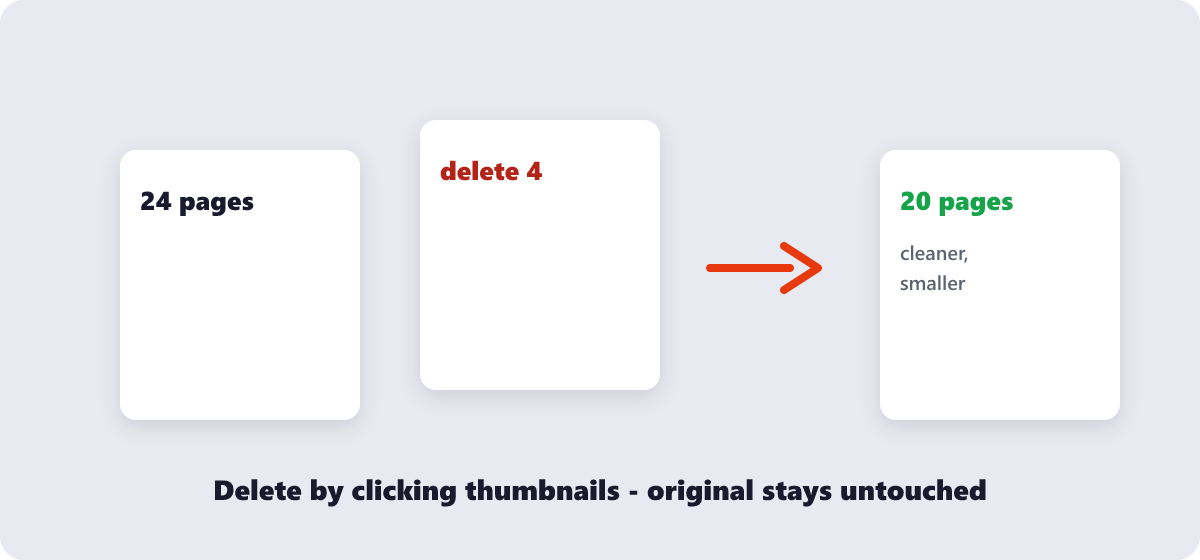
Click-and-delete: open the free Delete PDF Pages tool, drop the file in, click the thumbnails of the pages you don’t want, and download the trimmed PDF. Runs in your browser, no signup — and the original file on your device stays untouched.
Every long PDF has pages that should not exist: blank sheets from the scanner, that duplicate bank statement, the appendix you no longer need, page 47 of terms nobody reads. Deleting them takes under a minute — the real work is knowing which pages, and keeping the original safe while you do it.
What’s covered:
- Deleting pages visually, step by step
- What people actually cut from PDFs
- The one rule: never delete your only copy
- Delete vs extract vs reorder — the neighbor tools
- Page deletion questions
Deleting pages visually, step by step
- Open the free Delete PDF Pages tool and drop the file in. Everything runs in your browser — the document stays on your device.
- Every page appears as a thumbnail. Click each one you want to remove — one page or twenty, in any combination.
- Run the deletion and check the preview of what remains: pages shift up to close the gaps, so the document reads continuously.
- Download the trimmed PDF.
The visual part matters more than it sounds: page 14 “the appendix” is easy to spot as a thumbnail and easy to miscount as a number. You are choosing by sight, not by typing page ranges into a dialog and hoping.
What people actually cut from PDFs
| Cut target | Why | Watch out for |
|---|---|---|
| Blank scanner pages | Double-sided scans of single-sided documents | Some “blank” pages have page numbers or stamp marks |
| Duplicates | Scanned twice, merged twice | Compare thumbnails closely — signatures differ |
| Irrelevant sections | Sending only the relevant part of a long report | Cross-references: “see section 4” breaks if section 4 is gone |
| Sensitive pages | Removing ID or salary pages before wider sharing | Deletion here is permanent in the new file — keep the full original |
The one rule: never delete your only copy
Deletion produces a new file — the removed pages exist in your original and are gone from the download. That design is what makes the operation safe, provided you follow the one rule: keep the original file. The moment you delete pages and then delete the source, the removed pages are unrecoverable — there is no undo that reaches back into a file you no longer have.
The practical pattern: work in a copy, keep originals in a folder, and if the removed pages contain sensitive material you want truly gone, delete the original after confirming the trimmed version is correct — and remember the original may also live in your email sent folder or cloud backup, which is a separate cleanup problem.
Delete vs extract vs reorder — the neighbor tools
Page management comes as a family, and picking the right sibling saves a step:
- Delete pages — the document is right except for the pages that should not exist. You keep the rest, in order.
- Extract Images — the page is right but you need the pictures inside it as standalone files.
- Reorder PDF Pages — no page should disappear; they are just in the wrong sequence. Drag thumbnails into place instead of deleting and re-adding.
- Split PDF — you need the pages, but as separate files rather than gone.
My honest workflow note: people often delete pages that they actually wanted to move — a signature page that belongs at the end, a summary that should lead. Before deleting, ask whether the page’s real problem is its position. Reordering is reversible and loses nothing; deletion is permanent by design.
Page deletion questions
How do I delete a page from a PDF for free?
Use a visual page-deletion tool: load the file, click the unwanted page thumbnails, download the trimmed result. The Delete PDF Pages tool does exactly this in your browser with no account.
Can I delete multiple pages at once?
Yes — select as many thumbnails as needed before running the deletion. They can be scattered anywhere in the document; the remaining pages close the gaps automatically.
Does deleting pages reduce the file size?
Usually, in proportion to what the removed pages contained. Deleting image-heavy pages shrinks the file noticeably; deleting blank or text-only pages barely moves it.
How do I delete a page from a scanned PDF?
Identically — scans are just pages with image content. The thumbnails make scanned pages easy to identify visually, which is often easier than with text documents.
Can I undo a page deletion after downloading?
Not from the downloaded file — deletion is permanent in the output. This is why the original PDF is your undo: re-run the tool on it and delete a different set of pages.
Is it safe to delete pages from confidential documents?
With a browser-based tool, yes — the file never leaves your device during processing. For removing sensitive pages before wider sharing, browser-based deletion is the safer default over upload-based services.
Last updated: September 19, 2026. The Delete PDF Pages tool here is free, runs in your browser, and has no page or usage limits.
