Extract all embedded images and download them together as a ZIP file.
or drop files here
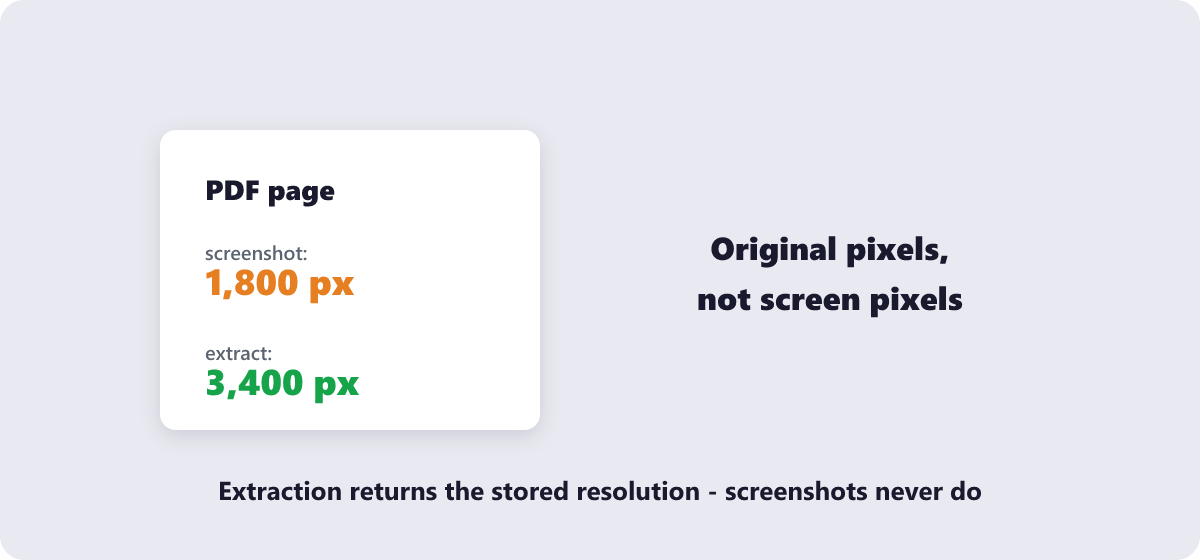
Every photo, chart and logo embedded in the file gets pulled out at its stored resolution — far better than screenshotting a page and losing sharpness.
Drop the PDF into the tool or pick it with Choose Files.
Let the scan run — embedded images are detected and listed automatically.
Look through the results and select the ones you need.
Save your picks individually or grab everything in one ZIP download.
Full-resolution extraction, batch ZIP saves, and nothing uploaded in the process.
Automatically detects and extracts all images inside the PDF, including small or background graphics.
Extraction happens locally in your browser, keeping your document private.
Images are extracted at their original quality, not recompressed or resized.
Download all extracted images together instead of one at a time.
No account or limit on how many PDFs you extract from.
Upload the PDF and the tool automatically finds and lists every embedded image, ready to download individually or as a ZIP.
Yes. Images are pulled out at the resolution they were embedded with, without extra compression.
If the scanned page itself was saved as one large image, that full-page image can be extracted; individual objects within a scan generally can't be separated.
Yes. The PDF is processed locally in your browser and never processed in your browser.
The tool will show no results — this can happen with text-only PDFs or ones where content is drawn as vector graphics rather than images.
Extract Images from PDF complete