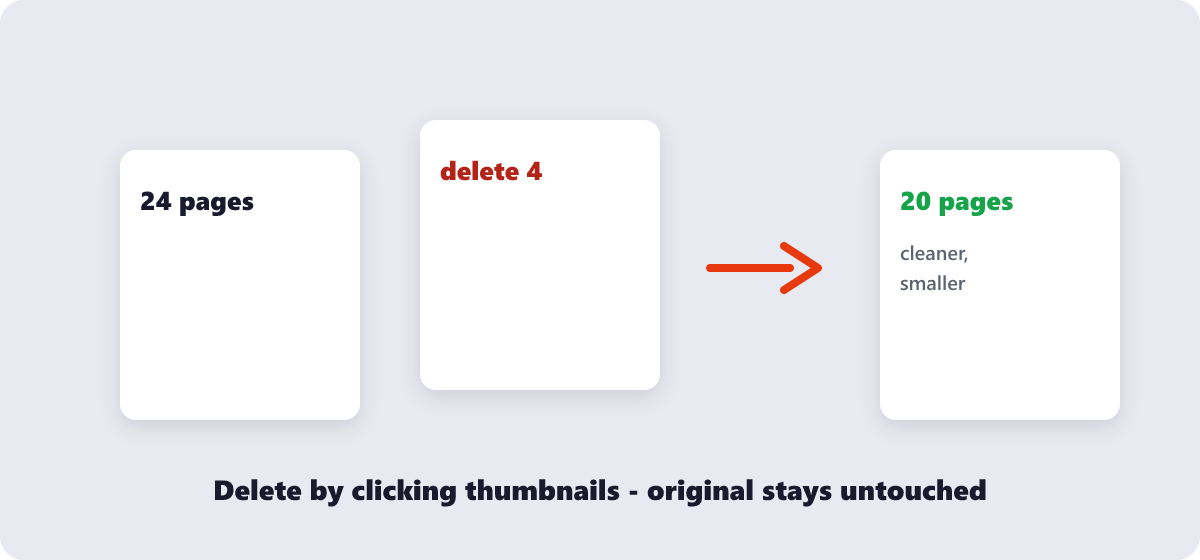
Click the pages to delete, then download a clean version of the PDF without them.
or drop files here
Scan the thumbnails, click away the pages you don't want — blank sheets, duplicate scans, outdated clauses — and download a tidier document seconds later.
Open your PDF by dragging it into the tool or using Choose Files.
Click the thumbnail of every page you want gone — one page or many.
Run the deletion and glance over the preview of what's left.
Download the trimmed PDF; the original stays safe on your device.
Visual page selection, instant preview, and edits that never leave your browser.
See page thumbnails and pick exactly which ones to remove.
Deletion happens locally in your browser, keeping your PDF private.
Delete one page or several at once in the same session.
Check the remaining pages before downloading the final file.
No account or limit on how many PDFs you edit.
Upload the file, click on the thumbnail(s) of the page(s) you want to remove, and download the updated PDF.
Yes. Select as many pages as you need to remove before downloading.
Yes. The file is processed locally in your browser and never processed in your browser.
Not from the downloaded file — keep a copy of the original PDF if you might need the removed pages later.
The remaining pages shift up to fill the gap, so the document reads continuously with no blank pages.
Delete PDF Pages complete