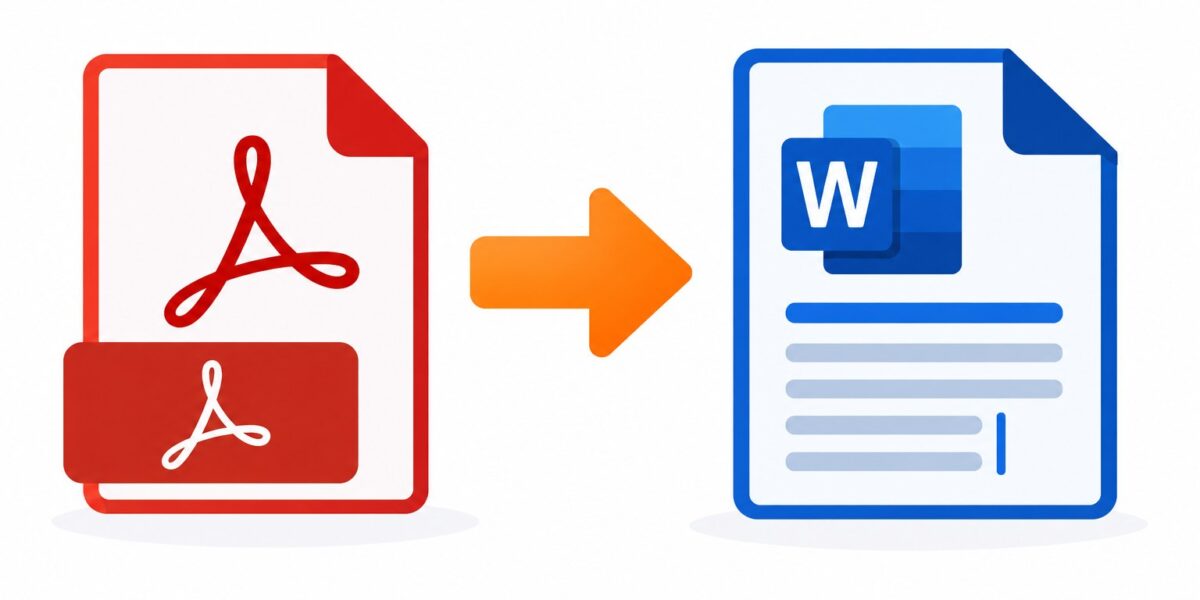
Drop in your DOC or DOCX and get a clean PDF back in seconds. Fonts, spacing and layout come through exactly as you made them.
or drop files here
Job applications, invoices, official forms — when the layout has to stay exactly as designed, send your DOC or DOCX through and collect a locked-in PDF.
Upload your .doc or .docx by dragging it in or tapping Choose Files.
Start the conversion; fonts, spacing and images are rendered into the PDF layout.
Give it a few seconds while the file is processed.
Download the PDF — ready to attach, print, or archive without anything shifting.
Both Word generations supported, accurate layout carry-over, and encrypted transfers with one-hour deletion.
Fonts, tables, images, and layout carry over accurately from your Word file.
Files are encrypted with TLS during transfer and automatically deleted from our servers after one hour.
Convert both older Word formats and the modern .docx format.
Convert directly in your browser, even if you don't have Microsoft Word.
No account required. Convert as many documents as you need.
Upload your .doc or .docx file and the tool converts it to a PDF you can download immediately.
In almost all cases, yes — fonts, spacing, and layout convert accurately since PDF is designed to preserve exact formatting.
Yes. Files are sent over an encrypted connection and deleted from our servers within one hour.
Yes, both Word formats are supported.
No. Conversion happens on our end — you just need a browser.
Word to PDF complete