Drop in as many PDFs as you need, drag to set the order, and merge into one file. Done in seconds, no menus to dig through.
or drop files here
Gather every PDF you need in one place, line them up in the right sequence, and walk away with a single tidy document — all without installing anything.
Add your files: drag each PDF into the tool or hit Choose Files to select several at once.
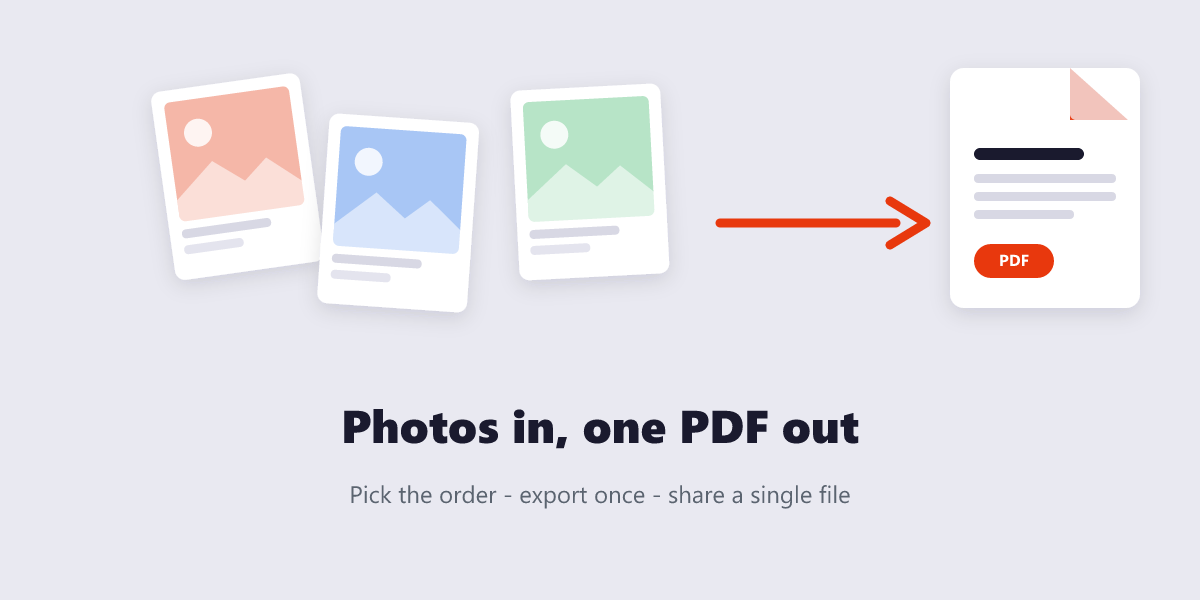
Arrange the lineup — drag thumbnails until the page order matches how you want the final document to read.
Hit Merge and give it a moment. Pages get stitched together without touching fonts, images, or layout.
Download the combined PDF and repeat as often as you like — there's no daily cap.
Local merging, zero uploads, and the freedom to combine as many files as you want.
Drag and drop pages into exactly the order you want before combining, so the final file matches your layout every time.
Merging happens entirely in your browser using local processing, so your PDFs never touch a server.
Add as many PDFs as you need in one session — no cap on file count and no paywall to unlock more.
Fonts, images, and page layout carry over exactly as they appeared in the source files.
No account, subscription, or watermark. Merge as many times as you like at no cost.
Upload two or more PDFs, drag them into the order you want, and click Merge. The combined file downloads immediately — no account or payment required.
Yes. This tool processes files locally in your browser, so your documents are never uploaded to a server or seen by anyone else.
Yes. Before merging, drag each file's thumbnail into the order you want. The final document follows that exact sequence.
There's no fixed limit — you can combine as many files as your browser and device memory can handle in a single session.
No. Merging only combines pages; it doesn't recompress or alter fonts, images, or formatting.
Yes. The tool runs in any modern mobile or desktop browser — no app or software installation required.
Merge PDF complete