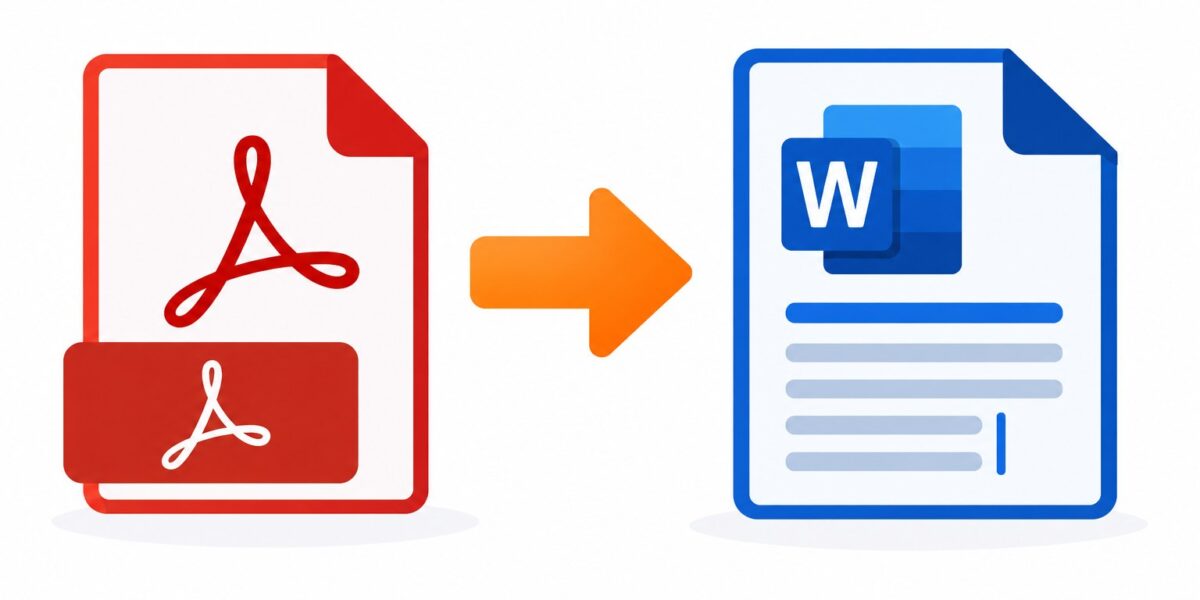
Convert OpenDocument Text files to PDF directly — no need to open another program first.
or drop files here
Writer documents travel best as PDFs — upload an ODT from LibreOffice or OpenOffice and collect a version anyone can open, no office suite required on their end.
Drop your .odt file into the tool or select it with Choose Files.
Run the conversion; fonts, spacing and images are carried into the PDF.
Open the preview to check the pages look right.
Download the PDF and share it — recipients just need any PDF reader.
Direct ODT conversion in the browser, accurate formatting, and TLS encryption with one-hour deletion.
Fonts, layout, and images convert accurately from your ODT file.
Files are encrypted with TLS during transfer and automatically deleted from our servers after one hour.
Convert directly in your browser, even without LibreOffice or OpenOffice installed.
PDFs open identically across every device and operating system.
No account required. Convert as many files as you need.
Upload your .odt file and the tool converts it to a PDF you can download immediately.
ODT is the OpenDocument Text format used by LibreOffice Writer and OpenOffice Writer, similar to a Word .docx file.
Yes, in almost all cases — fonts, spacing, and layout convert accurately.
Yes. Files are sent over an encrypted connection and deleted from our servers within one hour.
PDF opens reliably on any device without requiring LibreOffice or OpenOffice, and it's harder to accidentally edit.
ODT to PDF complete