Turn your image into WebP format — smaller file size with quality that holds up.
or drop files here
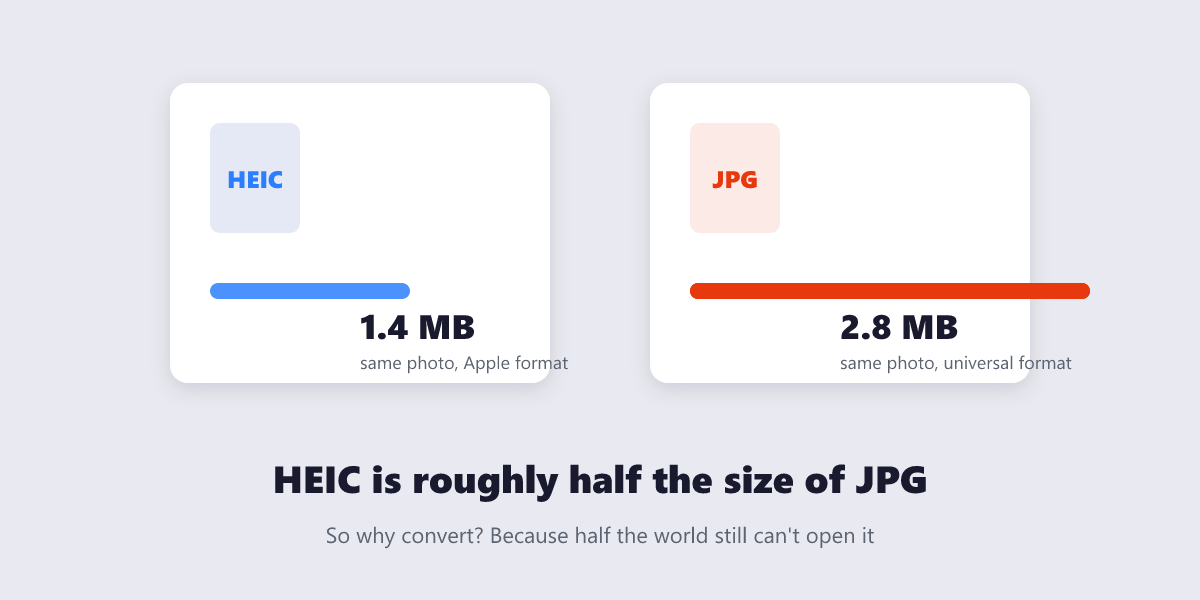
WebP delivers the same look in roughly a third less space than JPG, with lossless and transparent options too — the format modern websites prefer.
Load your JPG, PNG or other image into the converter.
Pick WebP as the output and start the conversion.
Compare the new file size against the original.
Download the WebP and drop it into your site for quicker loads.
Smaller files at equal quality, conversion in your browser, and nothing sent to a server.
Against a JPG of matching quality, WebP typically saves 25 to 34 percent of the file size.
Alpha channels come along for a fraction of the weight a transparent PNG demands.
Chrome, Safari, Firefox and Edge have handled WebP natively for years, so nothing breaks online.
Lighter images are among the quickest ways to lift Core Web Vitals and speed up browsing.
The conversion runs inside your browser, which suits unreleased artwork and client material.
Modern browsers all can, and recent versions of Photoshop and Office handle it too. Older software may not, so convert back to JPG or PNG if an app refuses the file.
Usually, with the biggest gains on photographic content. Simple graphics can be a wash, and very small images may vary either way.
Yes. WebP handles alpha channels efficiently, which is one reason it often beats PNG on size.
At a glance, no. WebP is engineered to look like the original at much lower weight. Keep the source file if you need a truly lossless archive.
The tool works in all modern browsers including Google Chrome, Mozilla Firefox, Microsoft Edge, Safari and Opera. We recommend keeping your browser up to date for the best experience.
Image to WebP complete